
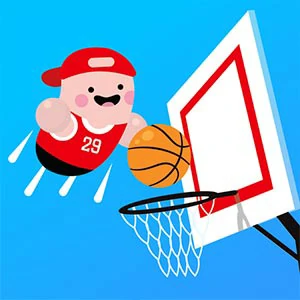
Basketball Beans
Use the basketball play to move toward the hoop and score with the bean-shaped cast.
Play Basketball BeansCompare the next decision
What changes in the decision? The following selections connect to Basketball Beans through the catalog details named below.
Sporting movement and scoring
A vault, a race and a ball sport define success in different ways. The sport label is a starting point for comparison rather than a rulebook.
 Volley Beans
Use the volleyball exchange to pursue points against the opposing bean-shaped players.
Animals and unusual characters
Animal characters can be pieces, companions or protagonists. Compare what role the character plays in the task.
 Like A Dino
Guide the dinosaur toward the rhythm notes that support its growing height.
About this edition's selection method. These are catalog-based introductions and comparisons, not hands-on reviews. Controls and current rules come from the game provider.
Getting started
- Select Play to open the game's launch page.
- Review the external provider and choose Load game. This connects your browser to the game host.
- Follow the game's on-screen instructions. Use touch on a supported phone, or the mouse and keyboard controls shown by the game on desktop.
For a smoother session
Let the game finish loading before interacting. A recent browser and stable connection work best. Sound, touch support and orientation vary by game; check its own settings. If it fails to load, try the direct provider link on the launch page or choose a different game.