

Fierce Shot
Place a football shot with the goalkeeper's opposition in mind.
Play Fierce ShotCompare the next decision
What changes in the decision? The following selections connect to Fierce Shot through the catalog details named below.
Aiming at a target
Compare stationary targets, moving targets and a defended goal. A shared aiming task does not imply shared inputs or scoring.
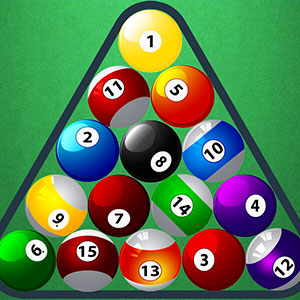 Pool Ball Master
Select a pool shot by tracing the intended ball's route to a pocket.
Football roles
Scoring, ball control and goalkeeping place attention on different parts of football. Compare your role before choosing by the sport alone.
 Super Football Fever
Use the football play to create goals in service of the team's objective.
About this edition's selection method. These are catalog-based introductions and comparisons, not hands-on reviews. Controls and current rules come from the game provider.
Getting started
- Select Play to open the game's launch page.
- Review the external provider and choose Load game. This connects your browser to the game host.
- Follow the game's on-screen instructions. Use touch on a supported phone, or the mouse and keyboard controls shown by the game on desktop.
For a smoother session
Let the game finish loading before interacting. A recent browser and stable connection work best. Sound, touch support and orientation vary by game; check its own settings. If it fails to load, try the direct provider link on the launch page or choose a different game.