
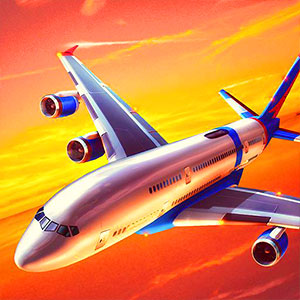
Flight Sim
Guide the aircraft according to the mission rather than assuming flying alone completes the task.
Play Flight SimCompare the next decision
What changes in the decision? The following selections connect to Flight Sim through the catalog details named below.
Driving and navigation
Parking, transporting and racing give vehicle control different purposes; a shared vehicle theme does not establish a shared handling model.
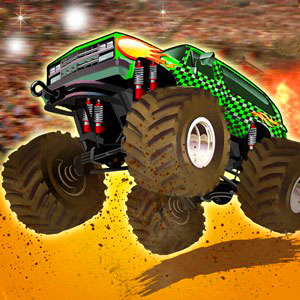 Grave Drive
Guide the vehicle around graveyard obstacles while working toward the finish.
Aircraft and outer space
Aerial travel, a safe landing and fictional planetary destruction use very different objectives within airborne or space settings.
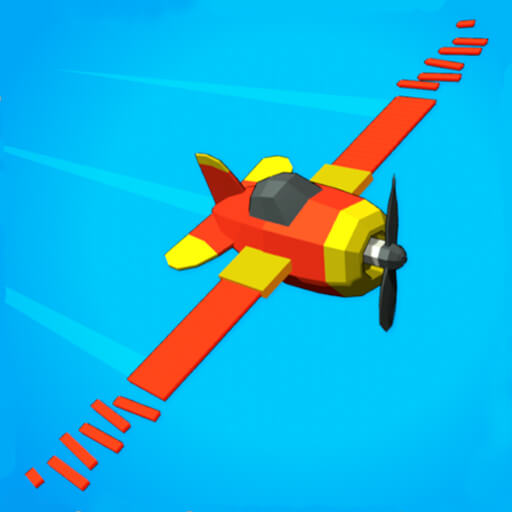 Crash Landing 3D
Control the spacecraft's approach so its movement ends in a safe landing.
About this edition's selection method. These are catalog-based introductions and comparisons, not hands-on reviews. Controls and current rules come from the game provider.
Getting started
- Select Play to open the game's launch page.
- Review the external provider and choose Load game. This connects your browser to the game host.
- Follow the game's on-screen instructions. Use touch on a supported phone, or the mouse and keyboard controls shown by the game on desktop.
For a smoother session
Let the game finish loading before interacting. A recent browser and stable connection work best. Sound, touch support and orientation vary by game; check its own settings. If it fails to load, try the direct provider link on the launch page or choose a different game.